Roles and Access
SocratIQ separates organisation access from work on individual programmes. This keeps access understandable and prevents people from seeing or changing programme development work unless they are involved.
Organisation account roles
Section titled “Organisation account roles”Every user has one of two organisation account roles:
- Client Admin: Manages organisation settings, provider details, users, programme access, and formal QA approval. A Client Admin does not automatically become a programme author.
- Member: Can sign in to the organisation and use the areas made available through programme responsibilities, module assignments, or a specific account capability such as creating programmes.
Members do not see Client Admin-only organisation information or controls.
Programme responsibilities
Section titled “Programme responsibilities”Programme responsibilities apply to one programme only. The same Member can lead one programme, review another, and have read-only access to a third.
flowchart LR
    Jordan(["Jordan (Member)"])
    Jordan -->|Programme Lead| A[Programme A]
    Jordan -->|Reviewer| B[Programme B]
    Jordan -->|Viewer| C[Programme C]
- Programme Lead (shown as Lead on some screens): Develops programme-level and module content. Can assign Module Builders and read-only access, but cannot grant another Programme Lead or formal reviewer authority.
- Module Builder (shown as Builder on some screens): Edits only the modules specifically assigned to them. Module ownership is separate from being listed on the programme team.
- Reviewer: Reviews the fixed programme revision submitted for internal review, records findings, and confirms when review is complete.
- Approver: Identifies a programme-specific approval participant where this responsibility is used. Formal QA approval still requires the Client Admin account role.
- Viewer: Reads programme content without editing it.
- Older read-only access recorded as Reader is shown as Viewer.
Client Admins manage the full set of programme responsibilities. Programme Leads can delegate Module Builder, Viewer, and Reader access within programmes they lead.
Programme creation access
Section titled “Programme creation access”Client Admins can create programme shells. A Client Admin can also grant a Member the separate ability to create programmes, which is useful for Deans, Vice Deans, and other trusted programme development users. Creating a programme does not make the person a Client Admin.
Approval authority
Section titled “Approval authority”Formal approval is an organisation governance action. Only a Client Admin can approve a programme when it reaches Awaiting QA Approval and passes the approval readiness gate. A programme responsibility by itself never grants Client Admin authority.
Checking missing permissions
Section titled “Checking missing permissions”If a button, programme, or module is not visible:
-
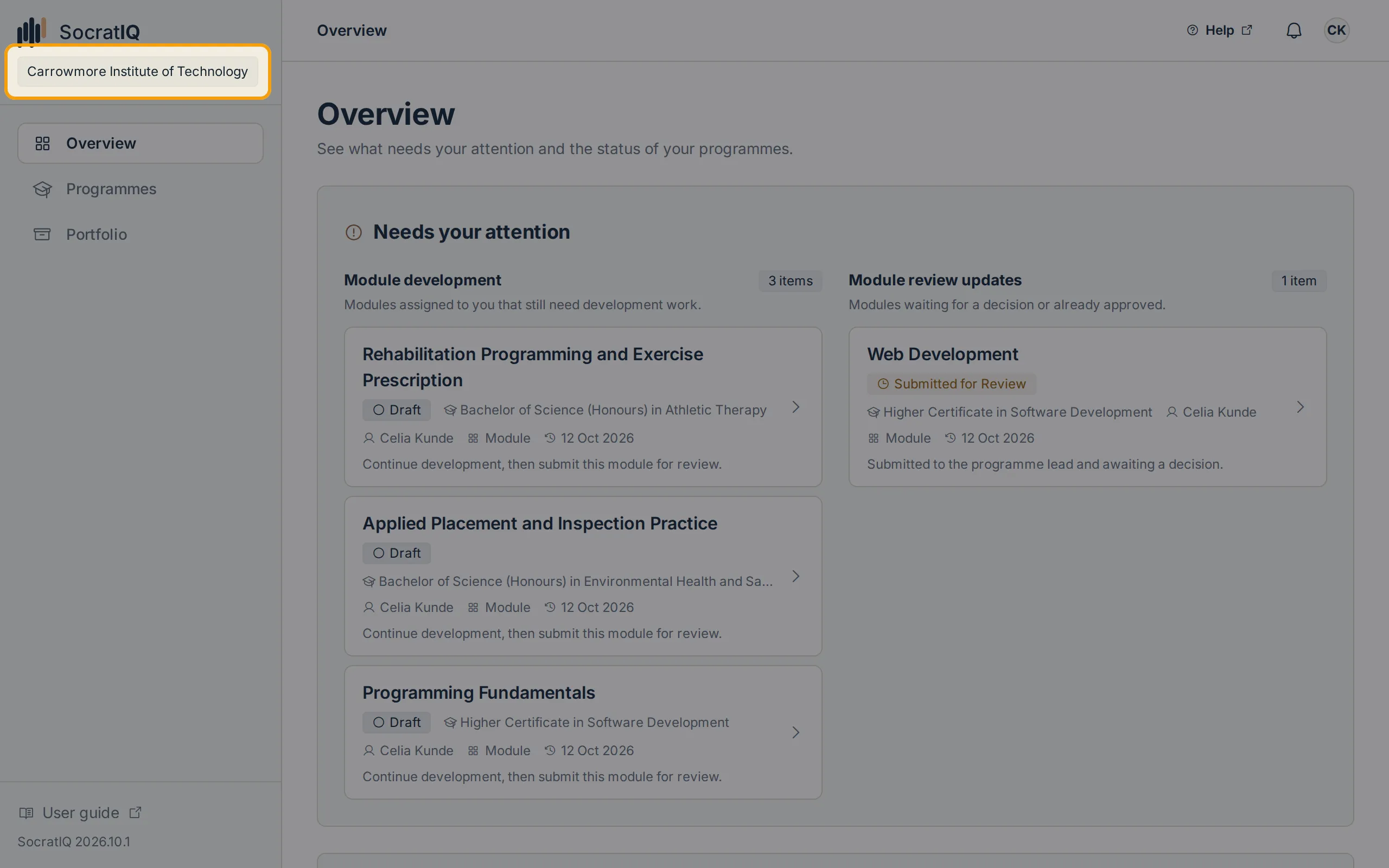
Confirm that you are in the correct organisation.
-
Ask a Client Admin to confirm your account is active and has the correct organisation role or programme creation capability.
-
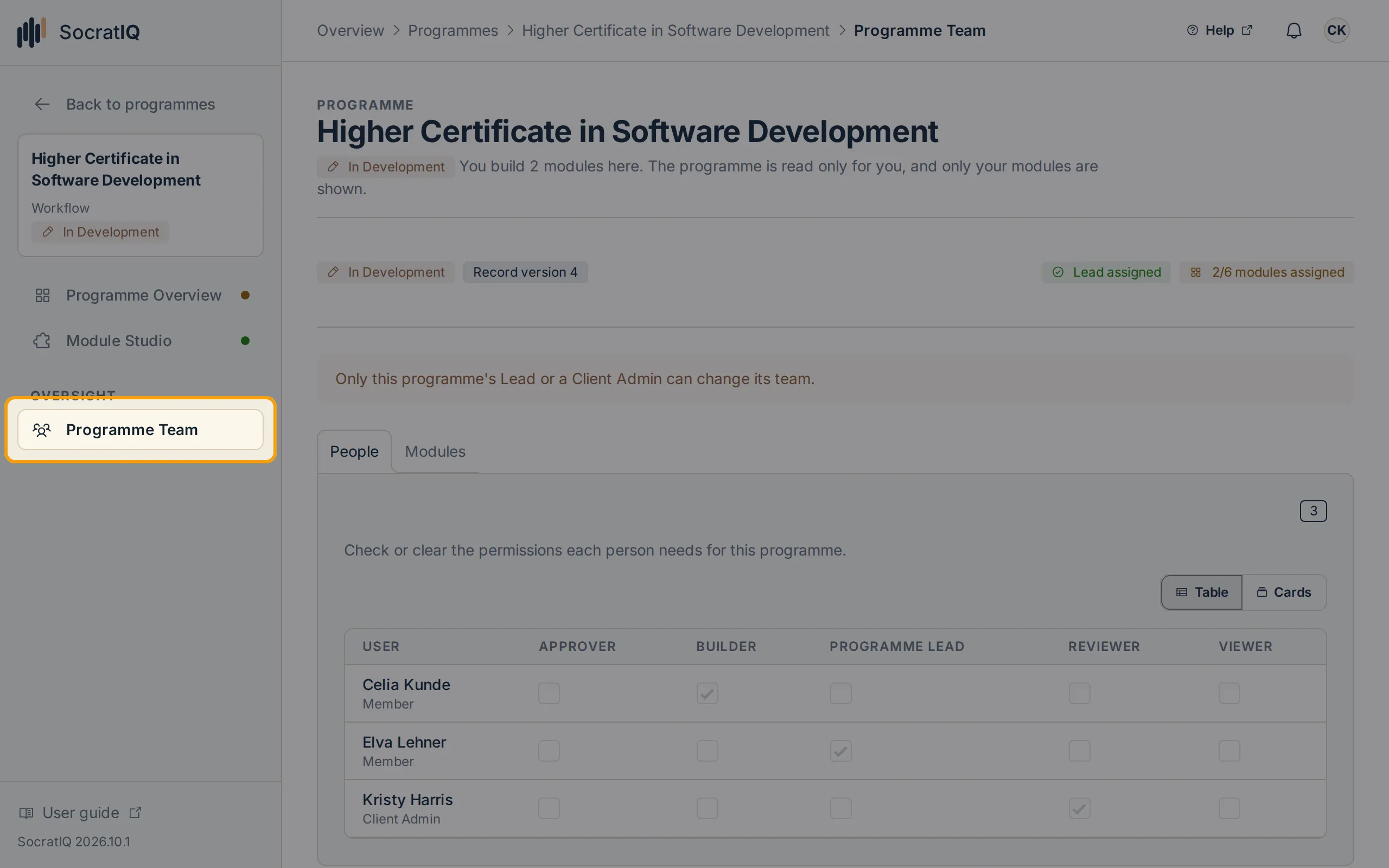
Check your responsibility and module assignments on the programme’s Programme Team page.
-
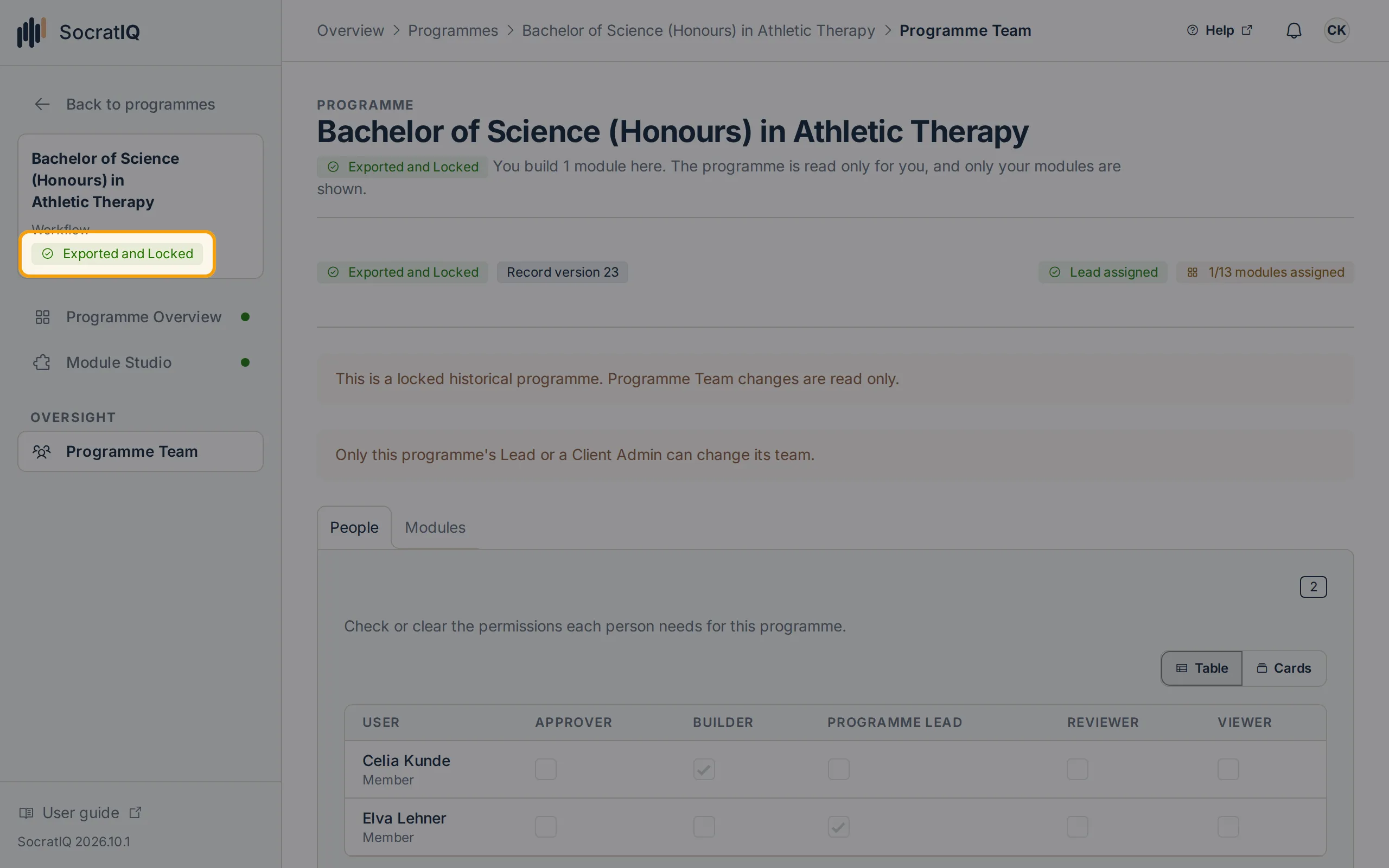
Check the programme lifecycle state. Review and approved revisions can be read-only by design.
-
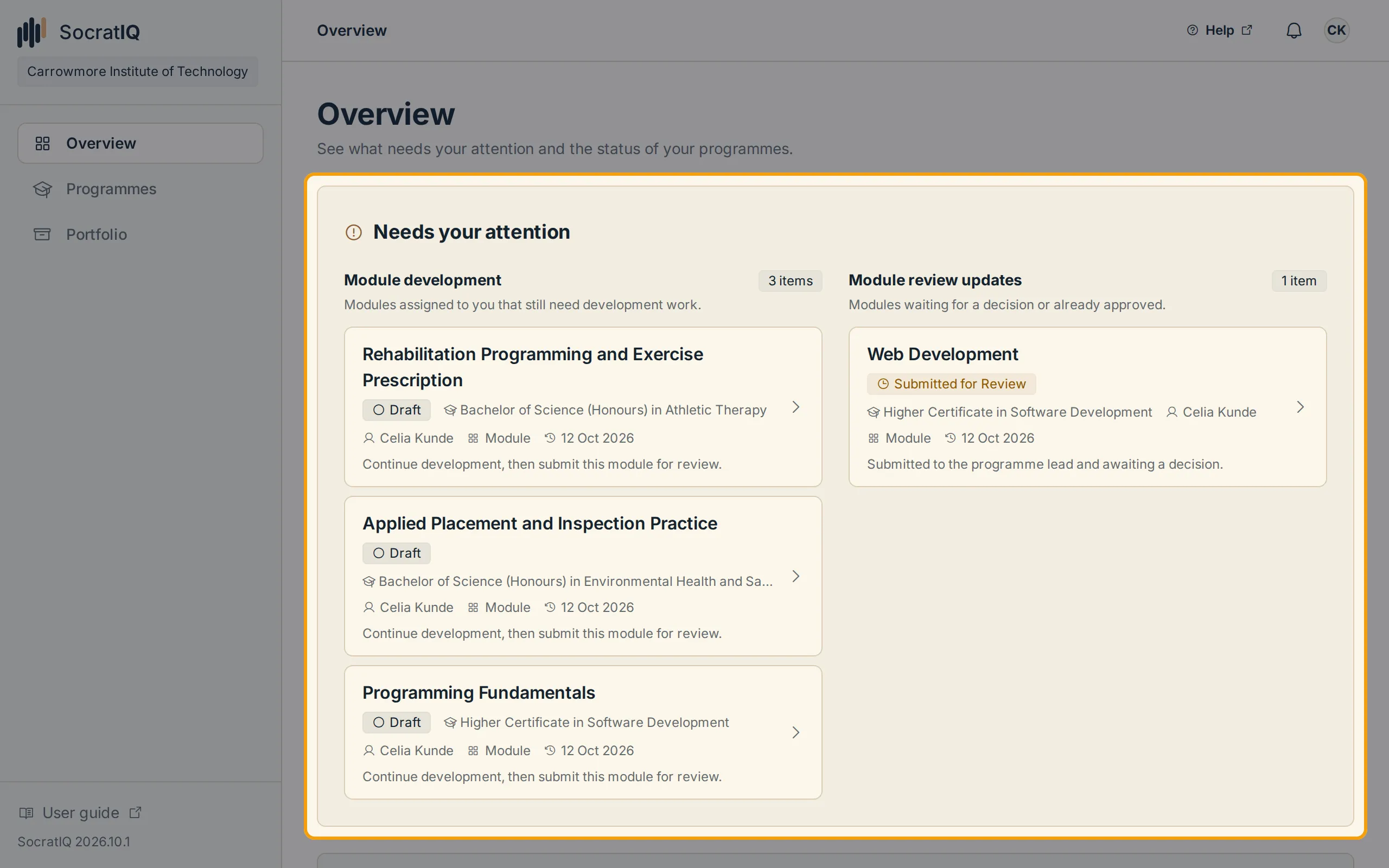
Open Needs your attention to see whether a requested action or change is waiting for you.